
Format availability notice
MP4 to WebM Not Available
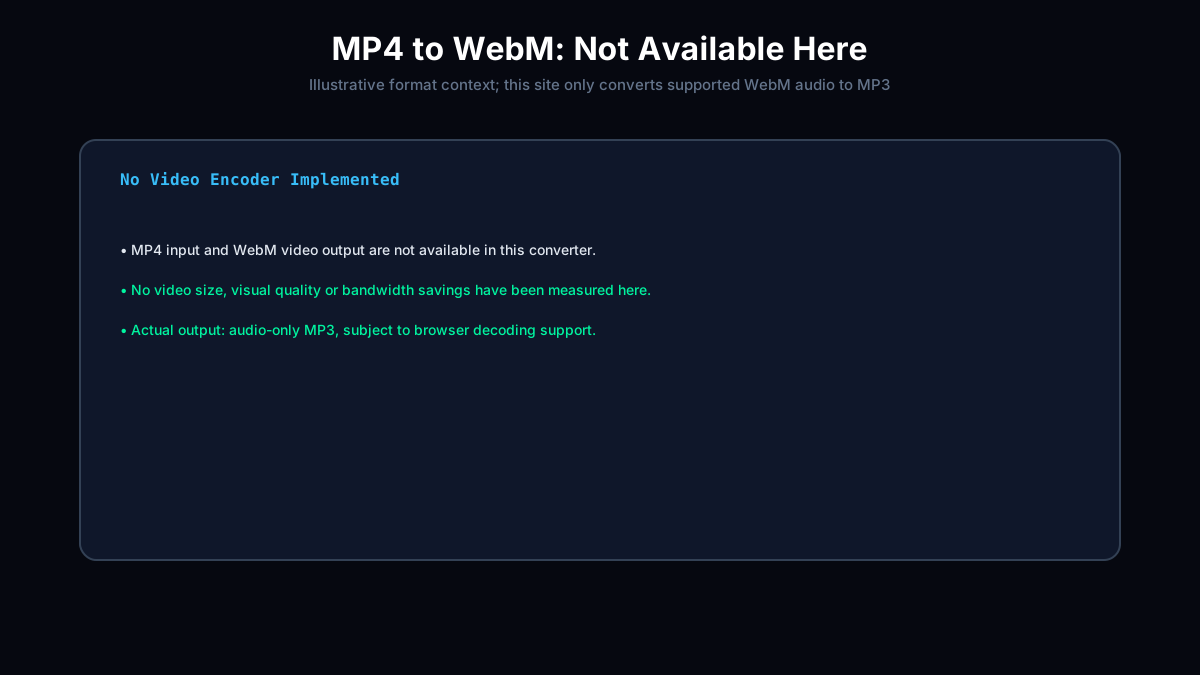
MP4 to WebM conversion is not available here. The converter below supports WebM to MP3 only: one Opus or Vorbis audio track, mono or stereo, up to 100 MiB and 45 minutes. Success depends on browser decoding and available memory. It does not accept MP4 input or encode WebM video.
Load .webm audio file
Drag file here or click to browse · Max file size: 100 MiB
Files processed locally · 0 bytes uploaded
No WebM file? Try in-browser audio test signals:
Keyboard shortcuts:
U Pick fileEsc CancelD Download MP3
Local Conversion History
0 filesSaved in IndexedDB. History can remain after closing this tab.
0 KB stored
Saved locally across visits. Remove files or use Clear.
0 Bytes Uploaded100% Local Privacy
Audio never leaves your browser. Zero upload bandwidth, no remote telemetry.
Opus Preflight Engine
Parses EBML container headers, channel layouts, and fixes live MediaRecorder duration tags.
MPEG Frame Verifier
Checks MPEG Layer III headers and complete frame boundaries; reports the frame timeline, not decoded audio quality.
What Is Available on This Page?
Audio-Only MP3 OutputThe converter accepts supported WebM audio and creates a lossy MP3. It does not encode VP9 or AV1 video, and no video bandwidth savings have been measured here.
No MP4 Input or Video OutputThis converter does not accept MP4 files or create WebM video. Transparent video and alpha-channel processing are not implemented.